Why use Slide Locking?
Slide locking can be effective when an administrative or permissions-holding user wishes to allow users without editing permissions to still edit ONLY a few particular slides – for example, a title page or agenda.
Steps
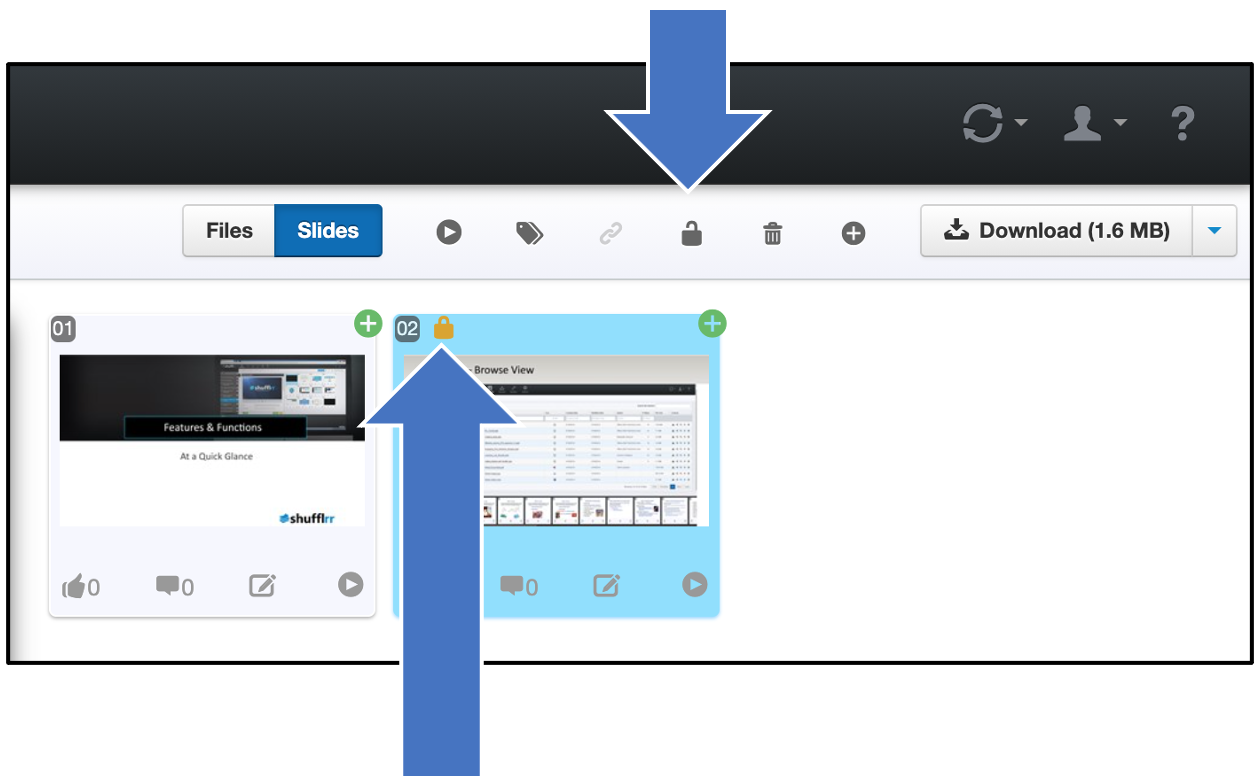
To lock slides, an admin user can select the slides they want locked and click the lock icon at top right. A small lock will appear in the corner of the locked slide.
Now, even if this slide is moved to a child deck, it will remain locked.