
The Admin workspace gives authorized users visibility into portal usage, indexing, chat, vector costs, and search performance.
Open the Admin workspace from the left navigation. The direct path is /app/admin.
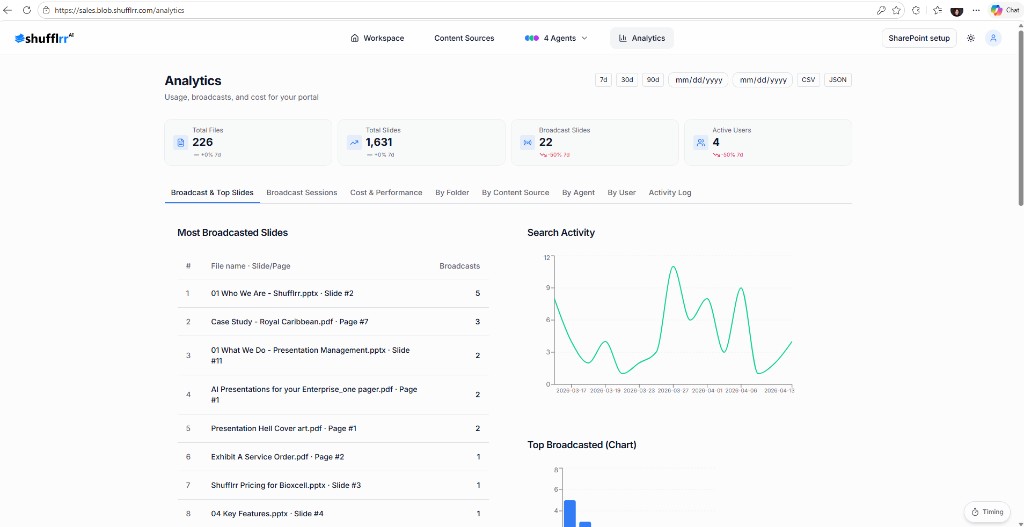
Portal usage
The Portal usage view provides cross-portal rollups such as:
- Users
- Folders
- Files
- Slides
- Cost rollup
Select a portal number when you need to inspect the available details for that portal.
Search performance
Open Search performance from the Admin navigation to review search-related metrics and behavior.
Note: Admin pages and portal-level records are role-restricted. If the Admin option is not visible, contact your portal administrator.