
Component Role
Microsoft Teams
Collaboration on slide creation and usage
Azure Active
Directory User authentication and permission control
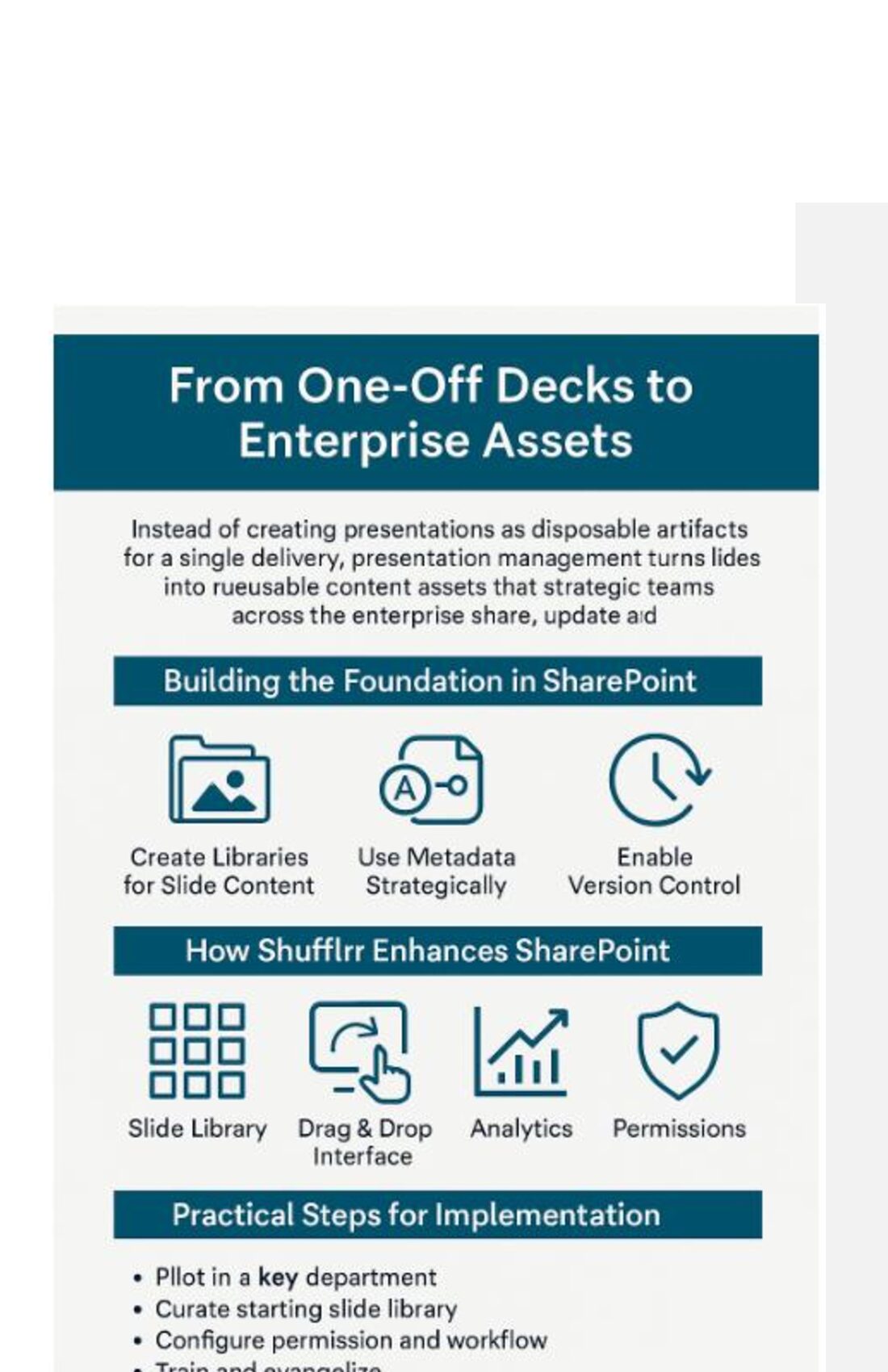
Chapter 2: From One-Off Decks to Enterprise
Assets PowerPoint presentations have long been treated as disposable—created for a single meeting and then forgotten. But each of these decks often contains strategic insights, brand messaging, and valuable data. When we think of presentations as one-time-use artifacts, we squander enterprise knowledge and waste time reinventing content that already exists.
This chapter explores how transforming presentations into managed, reusable enterprise assets—leveraging SharePoint and Shufflrr—can unlock massive efficiencies and elevate communication across the organization.
The One-and-Done Mentality
Most presentations follow a predictable lifecycle:
- Someone needs to present.
- A team builds a deck from scratch or recycles bits from old decks.
- The presentation is delivered.
- The file is saved in SharePoint or emailed around.
- It’s forgotten, never to be reused.
This cycle happens thousands of times across an enterprise. It wastes time, increases inconsistency, and squanders valuable messaging and design resources.
Introducing the Enterprise Asset Mindset
Presentation Management flips this cycle. It recognizes that:
- Slides are assets that should be centrally stored, updated, and
tracked.
- Content should be searchable and reusable for multiple use cases.
- Messaging should be consistent across all customer touchpoints.
- Compliance and branding must be enforced at the source, not after
delivery.
Think of it as shifting from “presentation as a moment” to “presentation as a living strategy.”
Building the Foundation in SharePoint To transform decks into enterprise assets, your SharePoint environment must be structured to support reuse and discoverability.
- Create Libraries for Slide Content
Instead of storing full presentations, break them into categories:
- Product Slides
- Marketing Campaign Slides
- Financial Slides
- Testimonials and Case Studies
- Use Metadata Strategically
Tag each slide or deck with:
- Topic
- Product line
- Region
- Department
- Compliance Level
- Enable Version Control
Keep a record of who edited what and when. This is essential for regulatory compliance and brand governance.
- Integrate with Shufflrr
Shufflrr enhances SharePoint’s structure by making presentation elements more accessible and manageable.
How Shufflrr Brings It to Life
Shufflrr transforms static decks into dynamic presentation ecosystems.
Feature Benefit
Slide Library Store and preview individual slides visually.
O365 Interface Build new decks quickly from existing slides.
Live Updating
Update one slide, and all presentations using it update automatically.
Analytics Track what content is used, when, where and by whom.
Permissions Limit who can access/edit content, ensuring compliance.
These capabilities extend SharePoint’s utility from passive storage to active content strategy.
Use Case: Transforming Sales Enablement
Before: A salesperson prepares for a pitch by sifting through SharePoint folders, struggling to locate the most recent product slides. After cobbling together content from five decks, they spend half a day formatting and ensuring accuracy.
After: With Shufflrr integrated into SharePoint:
- The rep logs in, searches by product and region.
- Preview thumbnails show the latest slides.
- The rep inserts 10 slides into a custom deck.
- A compliant, branded presentation is ready in 10 minutes.
Creating a System of Continuous Reuse
To truly embed presentation management into SharePoint:
- Audit Existing Presentations
Identify high-quality slides across your org and pull them into your central library.
- Establish Governance
- Standardize Taxonomy
Create a naming convention and tagging system everyone uses.
- Monitor & Optimize
Use analytics to understand which content works—and which doesn’t.
Enterprise-Wide Benefits
Stakeholder Benefit
Sales Quicker presentation creation, access to latest assets.
Marketing Brand and message control, performance insights.
Compliance Centralized oversight of content accuracy.
Executives Greater confidence in message consistency and impact.
Practical Steps for Implementation
- Pilot in a Key Department – Sales or marketing is ideal.
- Curate a Starting Slide Library – Populate Shufflrr with slides
used frequently.
- Configure Permissions and Workflow – Decide who can view,
edit, or publish.
- Train and Evangelize – Empower users with hands-on training and
success stories.
- Measure Adoption and ROI – Track how Shufflrr usage improves
productivity and content reuse.
Culture Shift: The CEO Effect
Presentation Management isn’t just about tech. It’s about enabling every employee to speak with the clarity and confidence of the CEO. When everyone has access to the best slides and data, they become better storytellers—and better brand ambassadors.
Looking Ahead
Use Case: Turning Sales Decks into Enterprise
Assets Title:
Transforming Sales Presentation Workflow with Shufflrr and
SharePoint
Company Profile:
Name: Orion Medical Devices
Industry: Healthcare Technology
Size: 4,500 employees
Tech Stack: Microsoft 365, SharePoint Online, PowerPoint, Teams
Challenge: Disorganized sales decks, inconsistent branding, and wasted hours building presentations
Problem Scenario (Before Presentation Management)
Actors Involved:
- Sales Rep (Samantha): Needs a tailored deck for a new cardiology
client
- Marketing Manager (Jason): Struggles to enforce brand standards
- IT Admin (Farah): Supports SharePoint file management
Workflow:
- Samantha logs into SharePoint to search for a previous cardiology
product deck.
- She finds 10 different versions—no metadata, unclear titles, outdated
logos.
- She spends 3+ hours reviewing decks and copying slides into a new
file.
- She emails Jason to confirm which slides are current; Jason takes
another hour to respond.
- She builds a custom deck under time pressure—missing key updates
from the latest FDA release.
Consequences:
- Missed opportunity due to outdated data
- Inconsistent branding weakens credibility
- Time drain on both sales and marketing
Solution Scenario (After Shufflrr Integration)
Actors Involved:
- Samantha (Sales Rep)
- Jason (Marketing Manager)
- Farah (IT Admin)
Workflow with Shufflrr + SharePoint:
- Samantha opens Shufflrr integrated into SharePoint.
- She filters for “Cardiology,” “FDA-cleared,” and “2025” tags.
- A slide tray populates with approved, on-brand content.
- She inserts 12 slides into a custom deck within 10 minutes.
- A compliance disclaimer is automatically inserted (forced content).
- She delivers the deck via Microsoft Teams directly from Shufflrr.
System Automation & Controls:
- Slides are tagged and updated by Jason in Shufflrr’s central library.
- Compliance rules are enforced via permissions and content locks.
- Farah sets role-based access in Azure Active Directory tied to
SharePoint Groups.
Results & Business Impact
Metric Before Shufflrr After Shufflrr
Deck Creation Time 3–4 hours 10–15 minutes
Brand Compliance 60% 100%
Content Reuse Manual copy/paste
Insert from approved library
Slide Tracking None
Full analytics by user/slide/deck
Internal Support Requests Frequent Reduced by 80%
Strategic Outcomes
- Marketing gains visibility into which slides and messaging perform
best.
- Sales reps are empowered to deliver client-ready decks without
needing design or content support.
- Executives gain confidence that the company speaks with one voice.
- IT reduces clutter in SharePoint by centralizing reusable content in
Shufflrr.